




 AI


FAQ
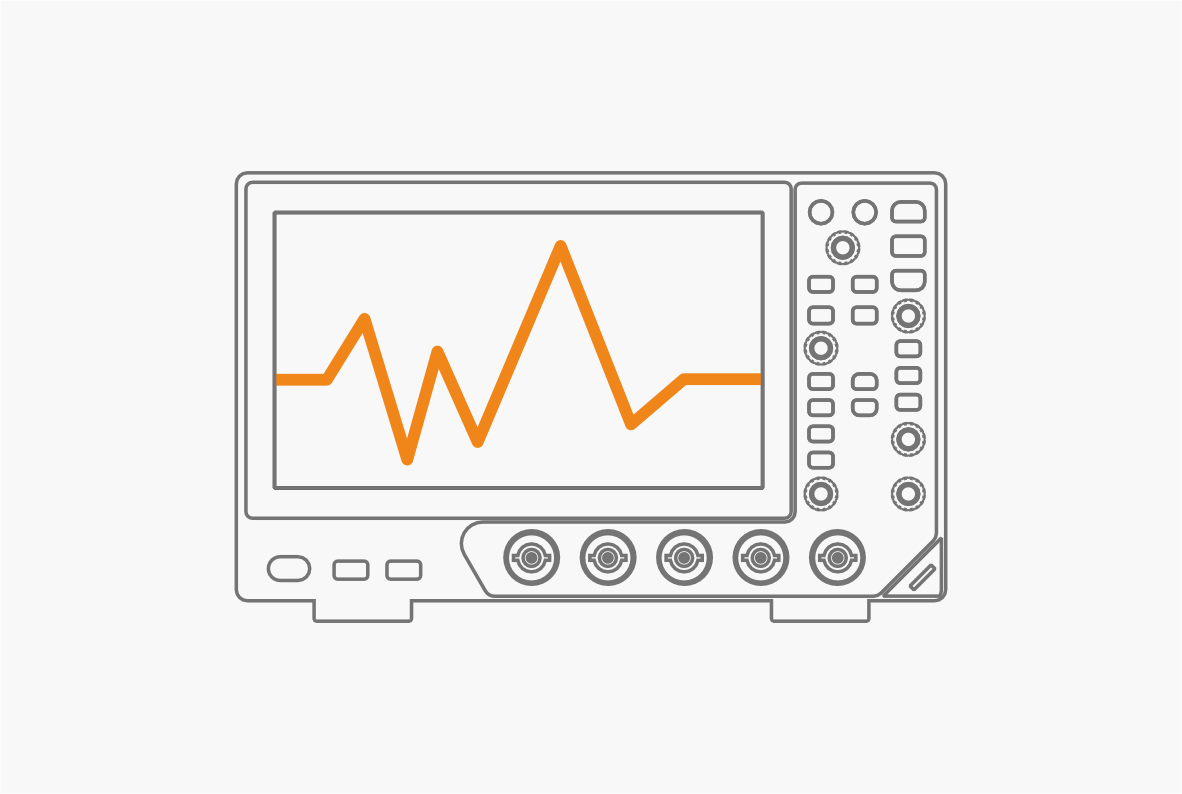
1. Use a 4-channel oscilloscope.
2. Confirm the DC bus voltage, peak current, switching speed, device type, and rise/fall time.
3. Measure VGS with an isolated probe, VDS with a high-voltage differential probe, and ID with a suitable current probe.
4. Check probe zero, attenuation, timing skew, and safety ratings before testing. Keep connections short.
5. Capture the second pulse and measure VDS overshoot/ringing, ID reverse recovery, VGS false turn-on, and Eon/Eoff.
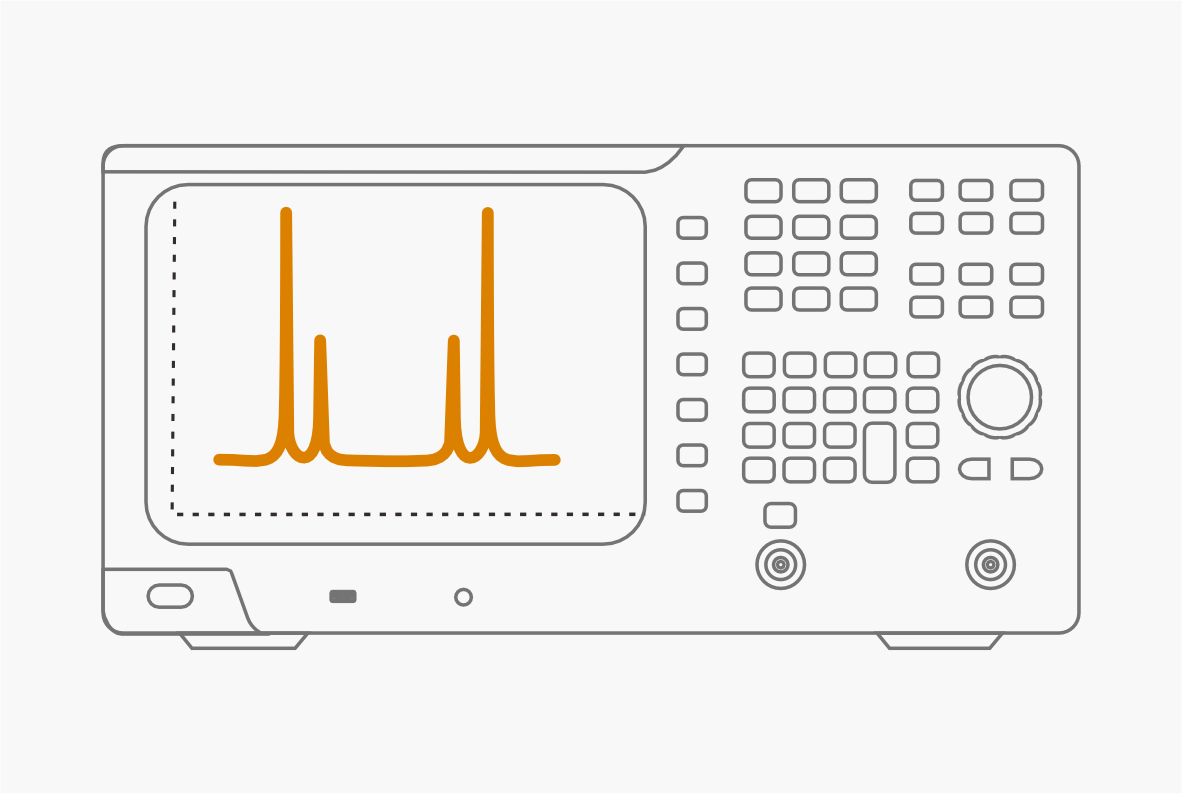
1. Choose a suitable handheld spectrum analyzer.
2. Test only your own signals or signals you are authorized to test. Do not decrypt encrypted content.
3. Confirm the frequency band, real-time bandwidth, test distance, and whether cable or antenna testing is needed.
4. Use a suitable antenna or a direct connection with an attenuator. Use real-time spectrum and waterfall views to find burst or frequency-hopping signals.
5. Use PvT, GPS, a directional antenna, and orientation data to record signal strength and location.
6. For constellation, error, or demodulation tests, confirm the signal format and symbol rate first.
Recommended steps
1. Confirm the center frequency, bandwidth, maximum frequency, and connection method.
2. For a cable connection, check the output power and add attenuation if needed. For non-contact testing, use a near-field probe.
3. Set the center frequency and span, then find the target signal.
4. Turn on Power vs. Time (PvT) to check start time, duration, interval, and peak power.
5. Repeat the test under different loads or distances to check for missed signals, delays, power drops, or interference.
A: To maximize measurement precision, you should adjust the vertical scale so the waveform occupies about 6 divisions of the screen, which shrinks the voltage step per level and minimizes quantization error. While a standard 8-bit ADC only uses 256 levels, upgrading to a 12-bit or 14-bit oscilloscope provides up to 16 times better vertical resolution (4,096 to 16,384 levels), ensuring highly accurate readings even without extreme scaling.
A: When purchasing, you should focus on the actual real-time sample rate at your target time base, rather than just the maximum nominal value. For oscilloscopes under 1 GHz bandwidth, many models are limited by older architectures, offering only a few megapoints (Mpts) of maximum record length, which restricts the high sample rate to just 1-2 ms. A superior oscilloscope should have a sufficiently deep record length (e.g., 40 Mpts or more) and a powerful underlying data processing architecture to ensure high sample rates and smooth operation even when deep memory is enabled.
A: Increasing record length is not as simple as upgrading a PC's hard drive. When the record length increases, the data volume explodes. The oscilloscope must process massive amounts of data for waveform reconstruction, triggering, decoding, and measurements. If the underlying hardware architecture cannot handle this heavy load, or if there are thermal issues, it will cause system lag, crashes, or extremely slow response times (e.g., waiting several seconds for Autoset or parameter measurements), severely degrading the user experience.

-
info@owon.com.cn
-
sales & Technical Supply
-
Prototype Application